A cron job is a way in Linux of getting a command to run on a schedule of your choosing. That command can be a script or a basic Linux command string such as copying a file. For me being able to execute cron jobs on my server was a key gap in my arsenal of web development skills that has led to me building all kinds of strange hacks to run timed jobs.
This weekend I set myself 3 tasks: 1. start my green card application, 2. find somewhere to start taking GMAT lessons and 3. learn how to do a cron job. In order to start this I needed a cheap host which provides linux hosting with cron jobs and the obvious choice seemed to be 1and1 hosting. I have spent much of today reading how terrible 1and1 hosting is and beating myself around the head with trying to get a cron job working on 1and1 shared hosting.
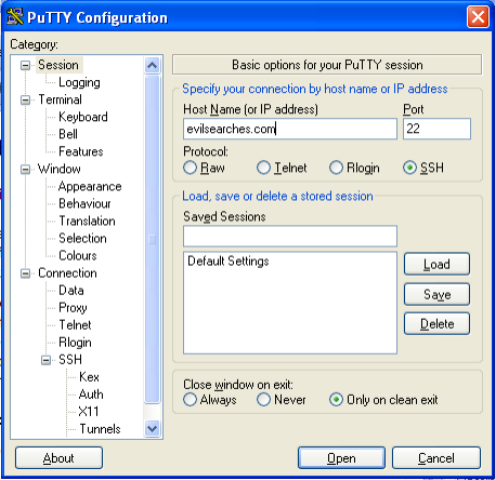
Firstly you must SSH into your 1and1 hosting, I like to use PuTTY to do this. You then have to log in to the SSH once connected using your FTP username and password from 1and1.
Having confirmed I could run these commands myself I wanted to create a cron job to execute the command. To edit my cron job I needed to create a crontab. The command to open and edit a crontab is “crontab -e”.
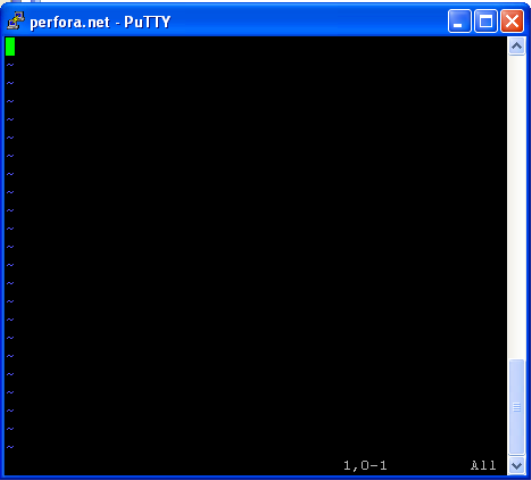
This is the vi editor which is the editor 1and1 uses on debian linux. I personally was trained on emacs and so it was a bit tricky getting used to this editor.
Fingers crossed I will be able to do something cleverer with my crontab soon involving scripts and when I can I will share that here because I am suffering extreme frustration finding information on and working out how to do anything with scripts and crontabs on 1and1.